

How to manage order in e-commerce instant website?
1. When you receive any new order, you will find in the tab New Order under Order Management. 2. You can accept or...

Please follow the steps below to setup your website on our Instant Website Prime Website Platform. 1. DNS Setup Point your domain to the IP given in DV Group’s client area. 2. SSL Setup Once...
1. When you receive any new order, you will find in the tab New Order under Order Management. 2. You can accept or...

1. To mark product trending, please go to Manage products under Product Management. 2. Click on the below icon in front...

1. Go to Manage Products under Product Management section. 2. Click on + New Product.

1. To add sub-category, you first need to add category. Once category is added, you can add sub-category under it. 2...

1. Go to Manage category under Product Management section. Click on "+ New category" as shown below to add new category.

Please follow to setup your online store on our e-commerce platform. 1. DNS Setup Point your domain to the IP given in...

1. Once news/blog posted, go to the list of blogs/news. 2. Click on the icon highlighted in the below picture to make...

1. Once the basic setup is completed, you are ready to post blog/news. 2. Under Blog/News Management, first go to...
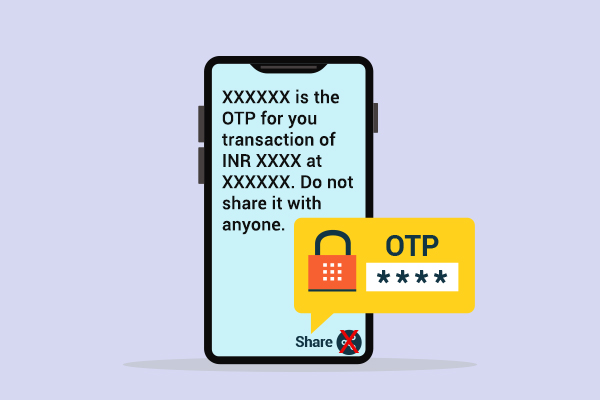
1. Once you purchased the OTP SMS service, you will get login details to the panel. 2. Use the login details given to...

1. Once you bought the Whatsapp Promotional Message service, you will see the below icon in your client area. Click on...

1. Login into the aapanel.2. Click on the App Store in the Menu.

1. Login into the client area.DV Hosting: https://dvhosting.in/login.phpDV Group...