


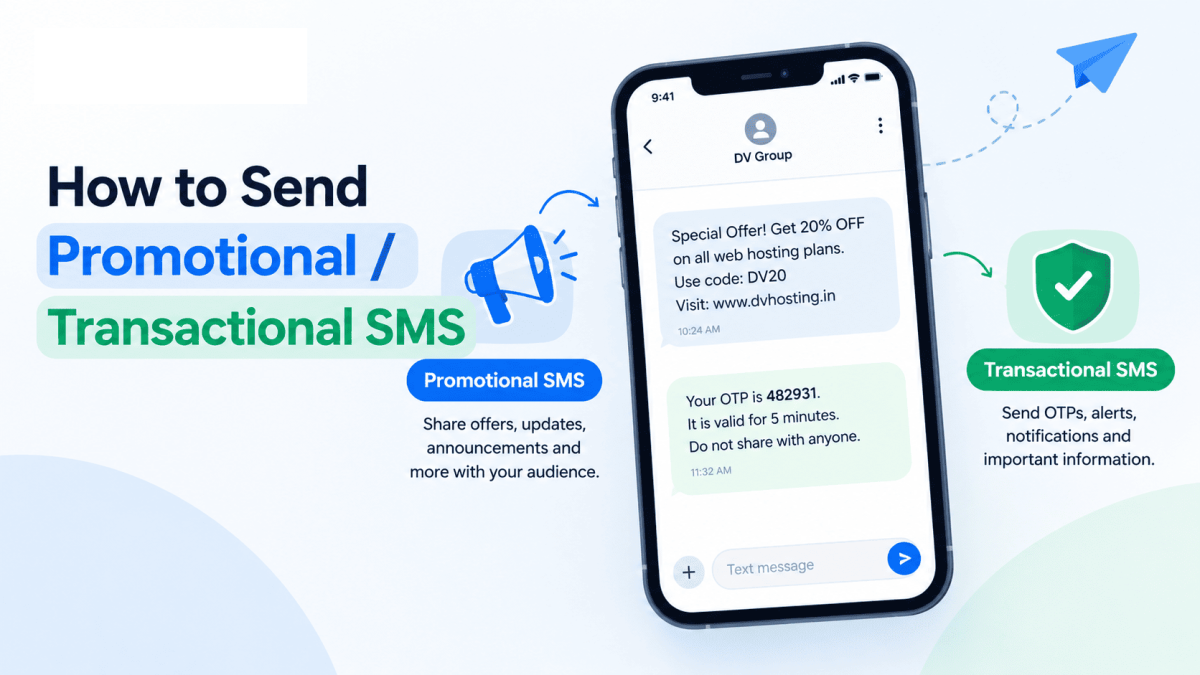
How to Send Promotional & Transactional SMS via DV Connect
Whether you are sending high-priority OTPs, transactional updates, or large-scale promotional marketing campaigns...
Whether you are sending high-priority OTPs, transactional updates, or large-scale promotional marketing campaigns...

Automated voice broadcasting is one of the most direct and effective channels to engage customers, announce...
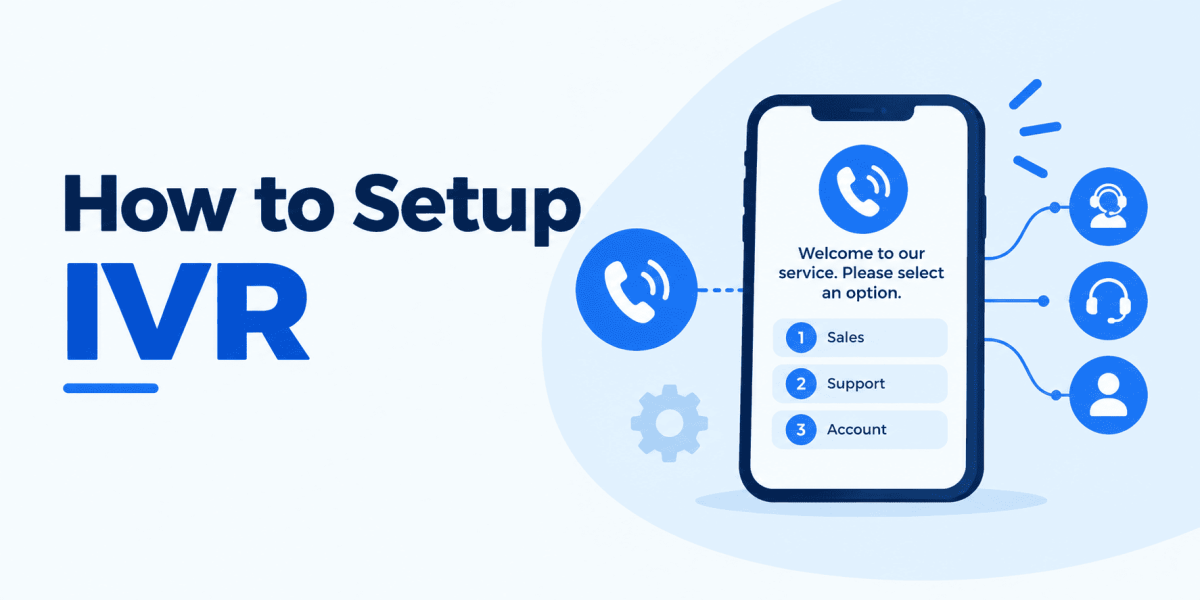
Interactive Voice Response (IVR) streamlines inbound calls by automatically greeting callers, routing them to the...
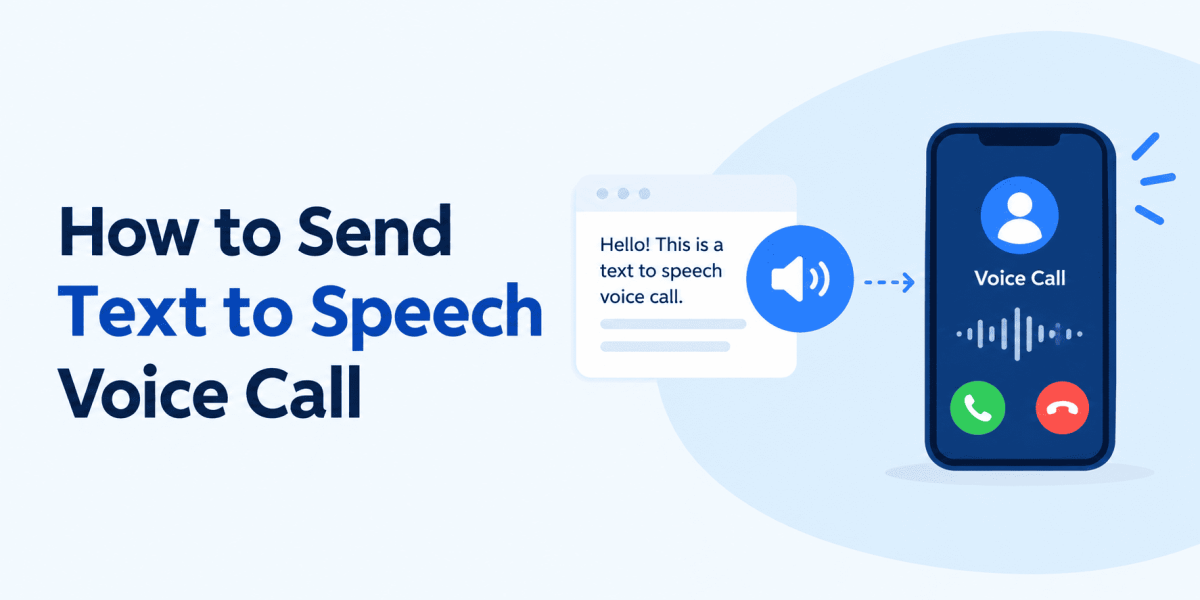
1. Log In to the Voice PanelSign in to your voice service portal using the account credentials available in your client...
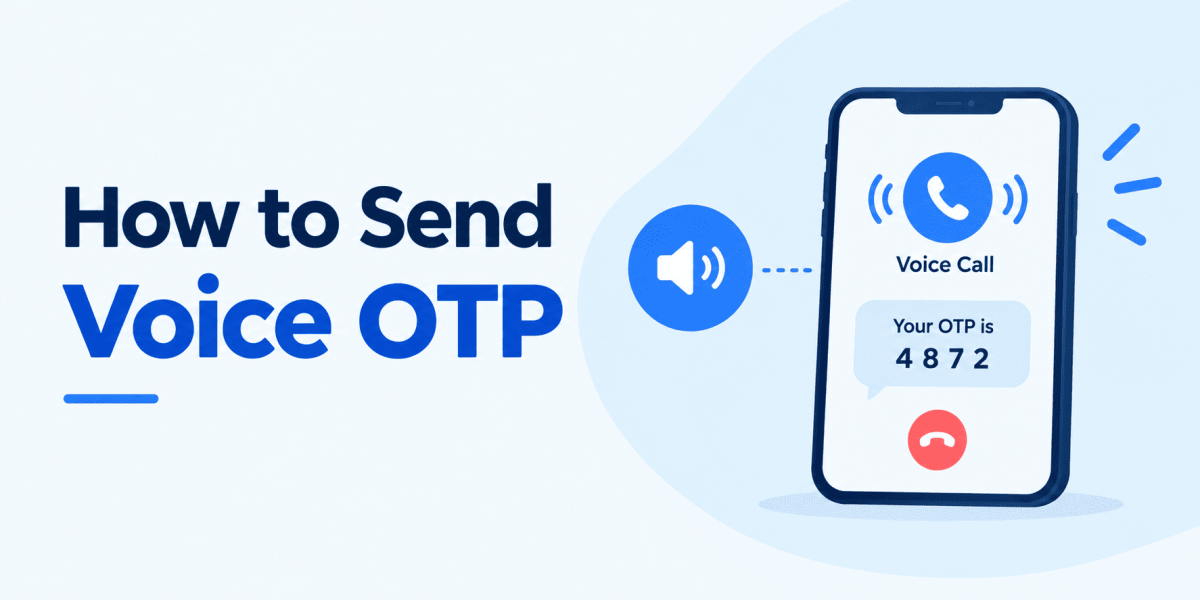
1. Log In to the Voice Panel:Sign in to your voice service portal using the credentials provided in your client...
1. Follow the exact same setup process described in our How to Add a PHP Website in aaPanel guide to configure your...
1. Go to the Website section in the left menu, locate your site, and click Not Set under the SSL column.
1. Click on App Store in the left sidebar menu.2. Go to the Installed tab, find your active PHP version, and click...
1. Log in to your aaPanel dashboard using the credentials from your client area.2. On your first login, a software...
1. Log in to aaPanel using the credentials provided in your client area. 2. Click on Databases in the left navigation...
Step 1: Install Required Environment Software (LNMP / LAMP) Before deploying your PHP website, make sure your server...
One short email when we publish something worth your time.