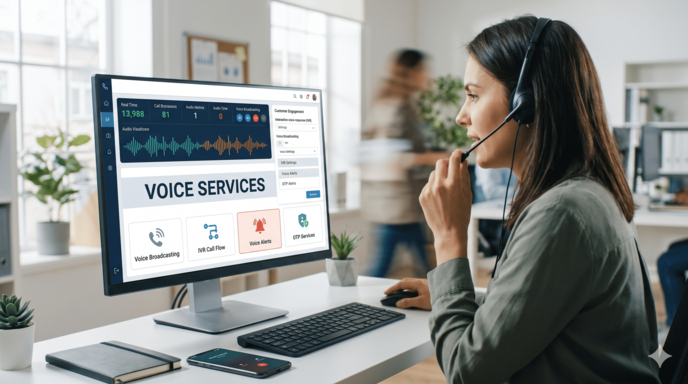
Sign in to your voice service portal using the account credentials available in your client area.
2. Create a TTS Template
Navigate to TTS Templates from the dashboard. Click the Add Template button.

3. Configure the template fields:
- Template Name: Enter a recognizable label to identify the template.
- Template Type:
a. Select Written for a pure Text-to-Speech message.
b. Select Designed for an MP3 audio file combined with dynamic text.
- Language: Choose either English or Hindi (additional languages will be supported soon).
- Speed: Adjust the playback speed according to your preference.
- Content Configuration:
a. For Written (Text): Enter your message and use {#var#} as placeholders for dynamic values.
b. For Designed (MP3 + Text): Upload your base audio file and add blank intervals where dynamic variables should play.
- Click Add Template to submit.

3. Template Review and Approval
Once submitted, the template will be reviewed by the support team. You can proceed with API integration once status shows Approved.
4. Generate Your API Key
Go to the API & Keys section in your dashboard.
- Enter a descriptive Label to identify the integration.
- (Optional) Add your server’s IP address to the whitelist to restrict access.
- Click Create Key.
Note: Copy and securely save your API key immediately. For security reasons, the full key cannot be viewed again once you leave the page.
5. Send Calls via TTS API
Use the endpoint below to trigger automated voice calls with your approved template and dynamic parameters:
HTTP GET: https://voice.dvconnect.in/api/tts?key=YOUR_API_KEY&number=10_DIGIT_MOBILE&template_id=YOUR_TEMPLATE_ID&var1=value1&var2=value2
Parameters:
key: Your generated API key.
number: The recipient's 10-digit mobile number.
template_id: The ID of your approved TTS template.
var1, var2, ...: Dynamic values corresponding to each variable ({#var#}) configured in your template.
Additional Features:
Check the voice panel for more options available in the API.
- DTMF Input: Collect real-time keypad inputs (press 1, press 2, etc.) from the recipient during the call.
- Webhooks: Configure webhook URLs in the panel to receive real-time call status updates, delivery reports, and user-submitted DTMF responses directly on your server.