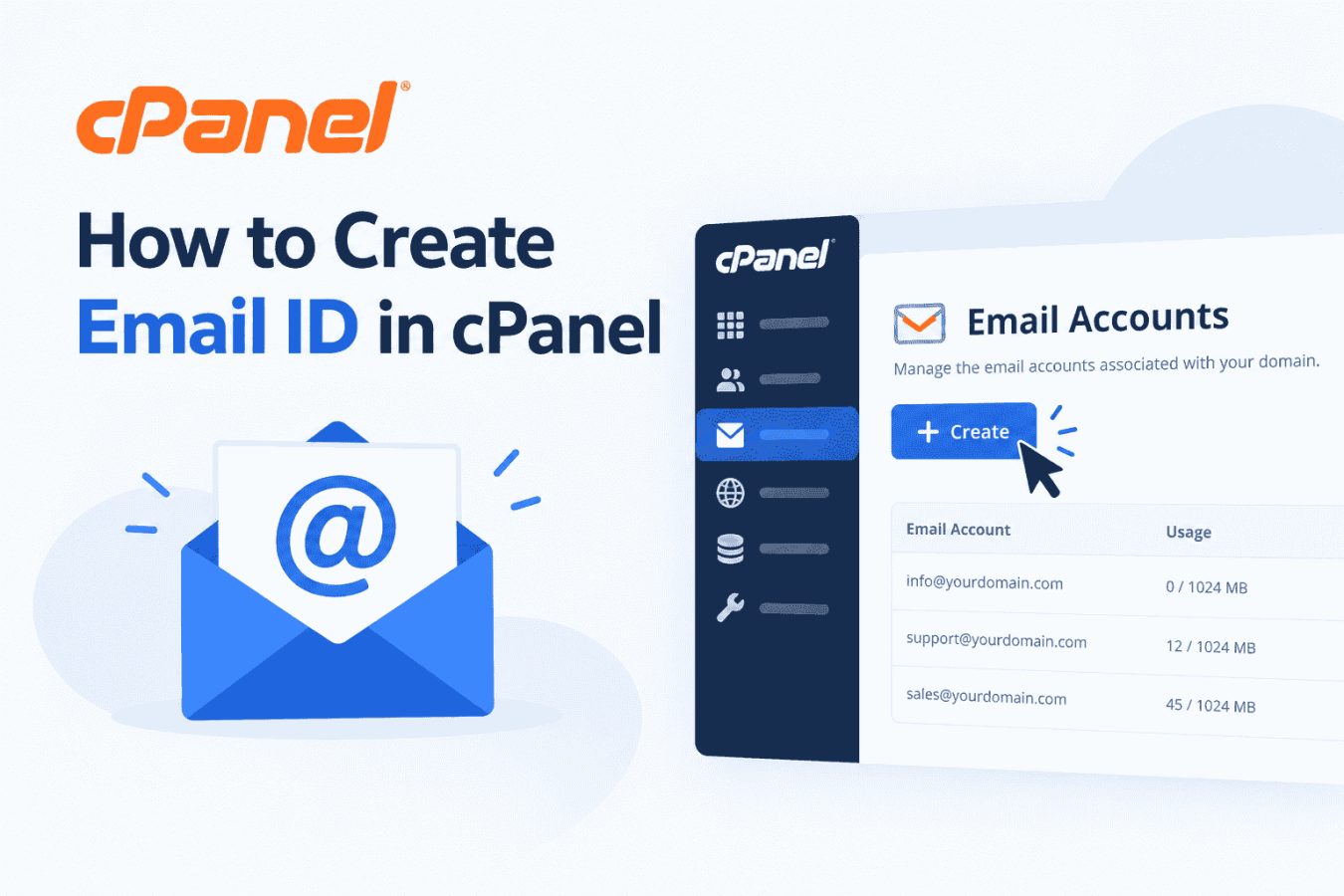
2. Click on Email Account.

3. Click on Create button.

4. Enter your desired email address, set a strong password, and click the Create button to create your email account.

5. Once your email account is created, you will see an option similar to the one shown below. Click the Check Email button to access your inbox and start sending or receiving emails.

6. A new window will open. Click on 'Open' button as shown below to access your webmail and start reading or sending emails.