Empowering Minds with Tech Knowledge.

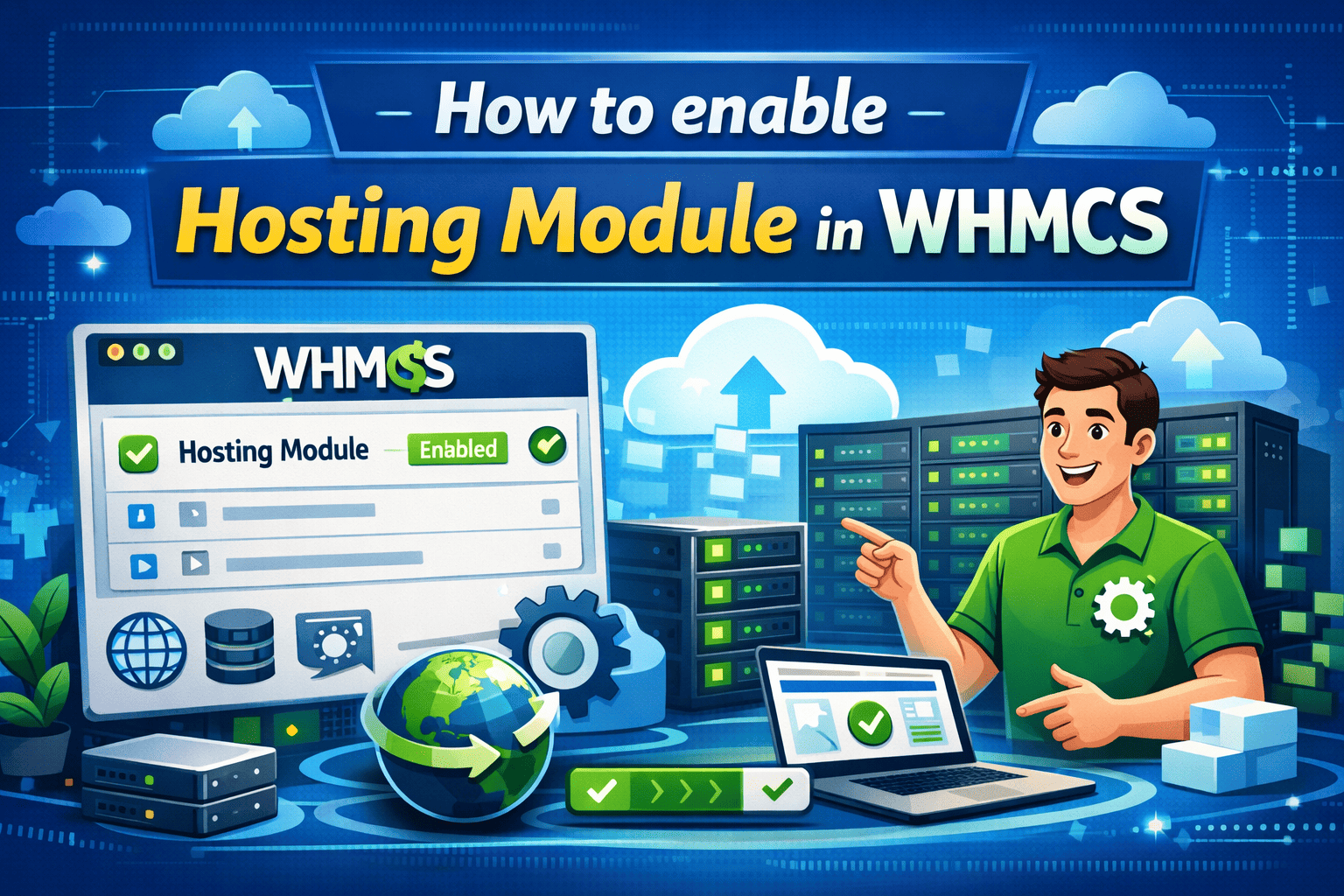
How to enable Hosting Module?

How to enable Hosting Module?

07/April/2026 15:59    Comments (0)     Share:        Bookmark

1. Log in to your reseller's admin panel.

2. Go to Settings, expand WHMCS Module as shown below. Download the module you want to add in your WHMCS.

3. Upload it to your WHMCS home directory and unzip it.

4. Once you unzip it, go to your WHMCS admin panel.

5. In WHMCS admin panel, go to System Settings.


6. Search for module and select Addon Modules.


7. Click on Activate button.

8. Click on Configure button and enter your API Key (Get this from reseller admin panel), Markup/Commission. Enable Full Administrator as shown as in below picture.
 

9. Now go to Addons -> Select Module.

10. Click on Sync/Import Button.


11. Now, you have successfully imported the hosting module.
Note: This process will remain the same for VPS Hosting/Dedicated Servers, cPanel Hosting, Hestia Panel Hosting and Reseller Hosting.


Comments (0)
Leave a Reply

Your email address and mobile will not be published.

Trending Blog
How to setup a prime website?
09/January/2025 14:26
How to setup a prime website?
How to install SSL in Vestacp Panel?
24/September/2024 17:12
How to install SSL in Vestacp Panel?
How to setup News/Blog website?
16/October/2024 22:55
How to setup News/Blog website?
How to install software in aaPanel?
16/October/2024 18:13
How to install software in aaPanel?
How to setup basic website?
16/October/2024 19:04
How to setup basic website?
How to install SSL in cPanel?
16/October/2024 12:24
How to install SSL in cPanel?
Related Blog

30/October/2025 12:11 Comments (0)
How to restore expired website hosting?
17/October/2024 16:13 Comments (0)
How to setup a reseller panel?
08/November/2025 14:24 Comments (0)
Convert your website to android app

Subscribe our Newsletter