
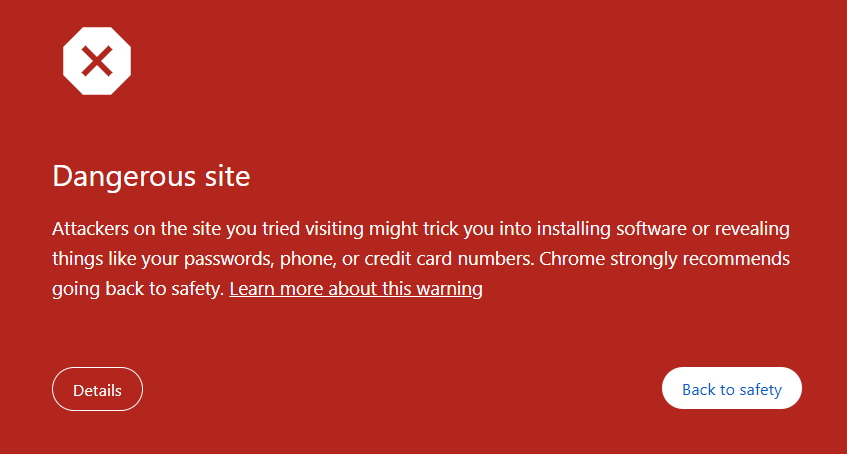
- Malware: Hackers have injected code that tries to install software on visitors' computers to steal data or damage files.
- Phishing (Deceptive Site): Your site is disguised to look like a legitimate entity (like a bank) to trick users into revealing passwords or credit card numbers.
- Unwanted Software: The site promotes downloads that violate Google’s policies, like changing homepage settings or leaking private data.
2. To fix it, you have to clean this malicious thing from your website and request to Google to clear this warning message.
3. To find more details like where is the bug in your code, you can add your website in Google Search and review it from Security & Manual Actions > Security Issues.
4. After fixing your code, you can either request in Google Search Console for review. If you think it is false warning, there is no issue in your code then follow below steps to request google.
5. Click on Details.

6. On the next text, click on "Let us know".

7. On the next page, enter the message and then click on submit button.

7. You will get message like below. Now wait for sometime, if you have really fixed the problem, then the warning message will disappear automatically.















Sudip Mondal
03/August/2026 22:58Ei ta ki hoyeche thik kore dite hobe