Empowering Minds with Tech Knowledge.

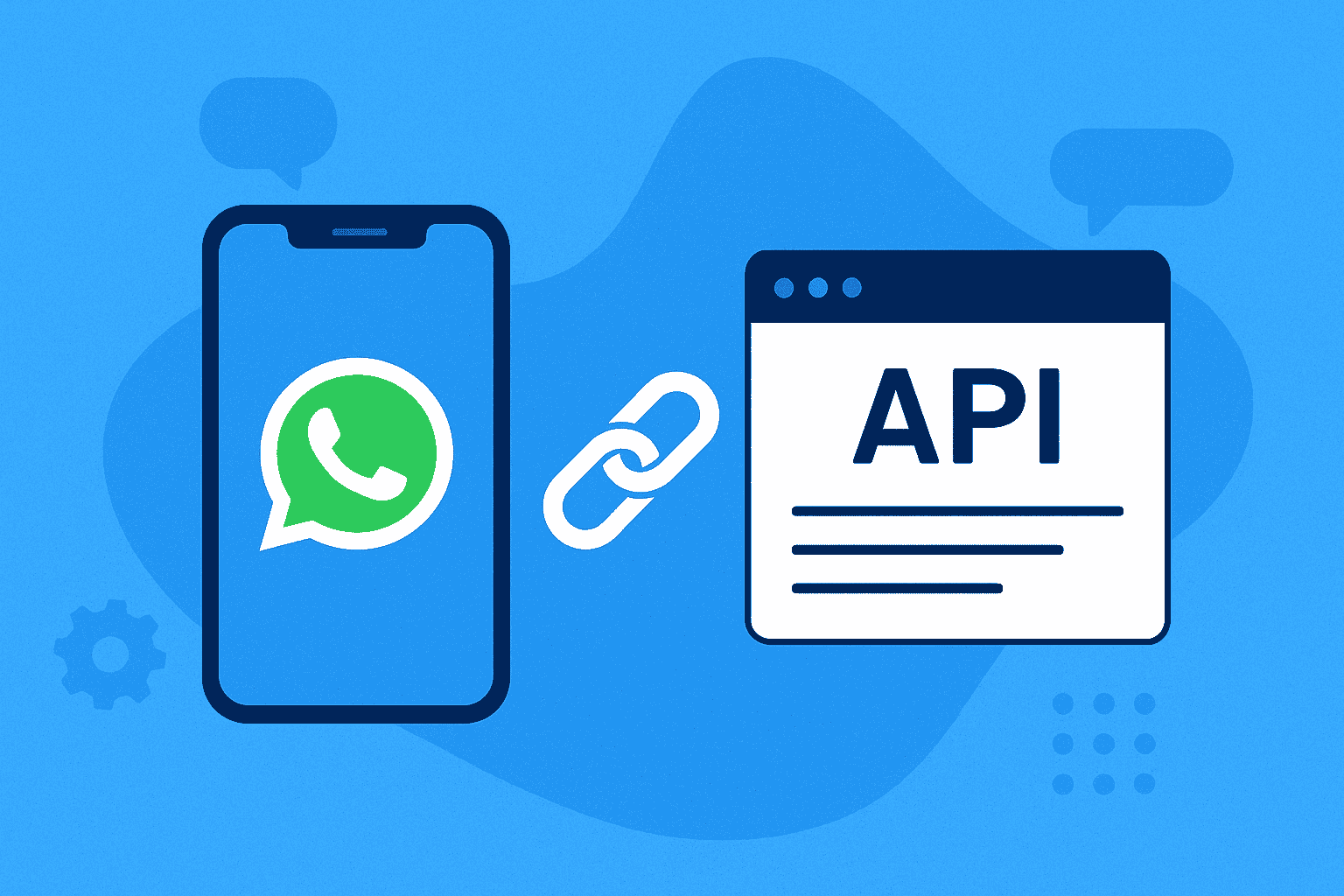
How to link your number with WhatsApp API?

How to link your number with WhatsApp API?

03/December/2025 10:53    Comments (0)     Share:        Bookmark

1. After recent changes by Meta, scan code has stopped working. As a workaround, we have developed the chrome extension which will help you send messages.
Note: You need to keep Web whatsapp open to send message through API. We know it is difficult, but this is the only workaround we have.

2. In chrome, add the extension. Extension link: https://chromewebstore.google.com/detail/bg-api-whatsapp-sender/pmdlcalehdcmnhgngmbjcfdkjjhagbif?utm_source=item-share-cb

3. After adding extension in chrome, open it from the top and add the API key in it.

4. Reload the https://web.whatsapp.com/ tab.

5. Open Devices tab in your portal and check if the Device is showing active or not under Private Devices.


Comments (0)
Leave a Reply

Your email address and mobile will not be published.

Trending Blog
Related Blog

17/October/2024 16:16 Comments (0)
How to replace Fast2SMS?

Subscribe our Newsletter