



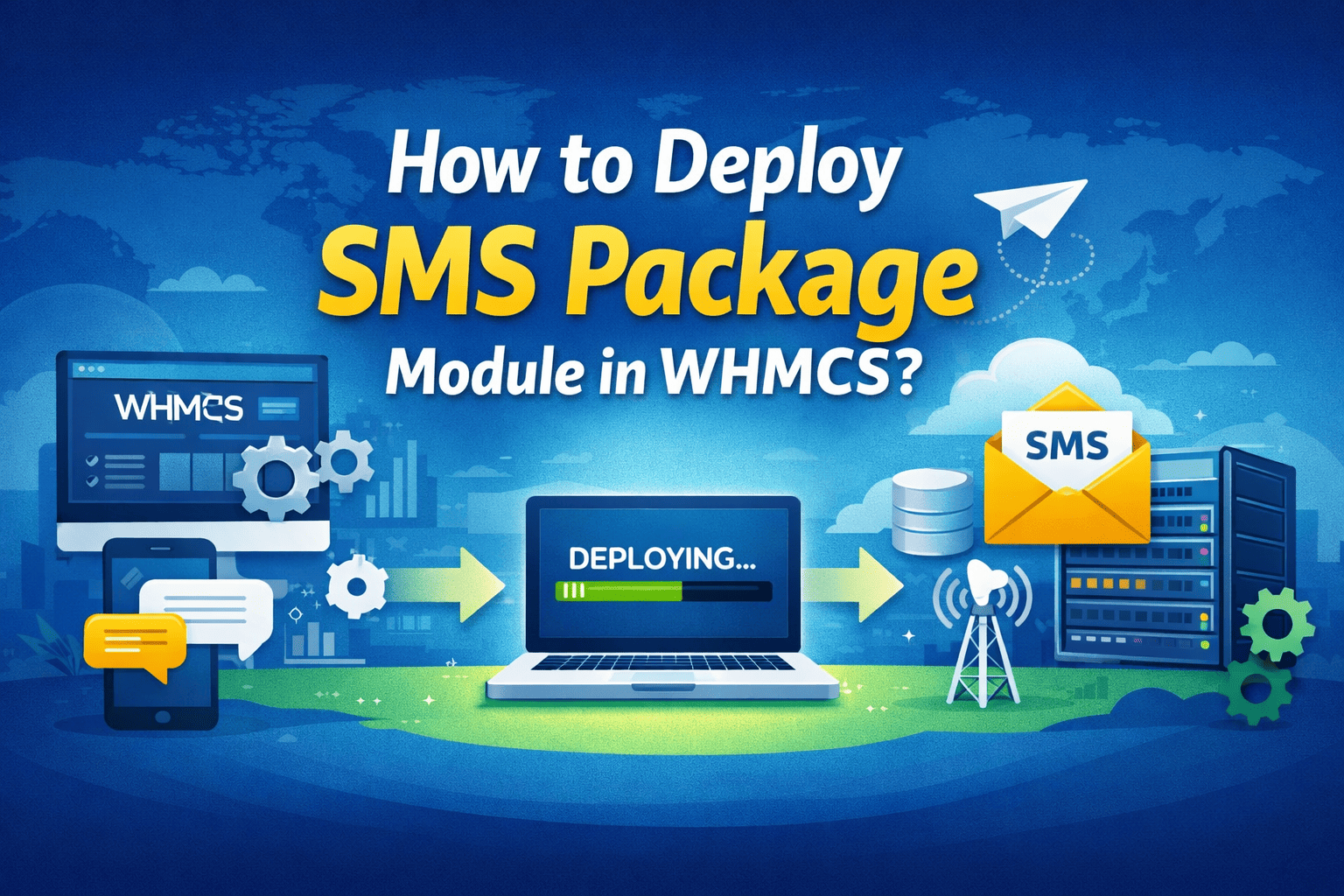
How to deploy SMS Package Module in WHMCS?
1. Log in to your reseller's admin panel.2. Go to Settings, expand WHMCS Module as shown below.
1. Log in to your reseller's admin panel.2. Go to Settings, expand WHMCS Module as shown below.
1. Log in to your reseller's admin panel.2. Go to Settings, expand WHMCS Module as shown below.
1. Log in to the control panel.2. Take the cursor over the domain name, click on the icon as shown below.
1. Log in to the control panel.2. Take the cursor over the domain name, click on the icon as shown below.Note: You will...
1. Login into the control panel.2. Take the cursor over the domain name, click on the icon as shown below.
1. Login into the control panel.2. Take the cursor over the domain name, click on the icon as shown below.
1. Login into the control panel.2. Take the cursor over the domain name, click on the icon as shown below to add new...
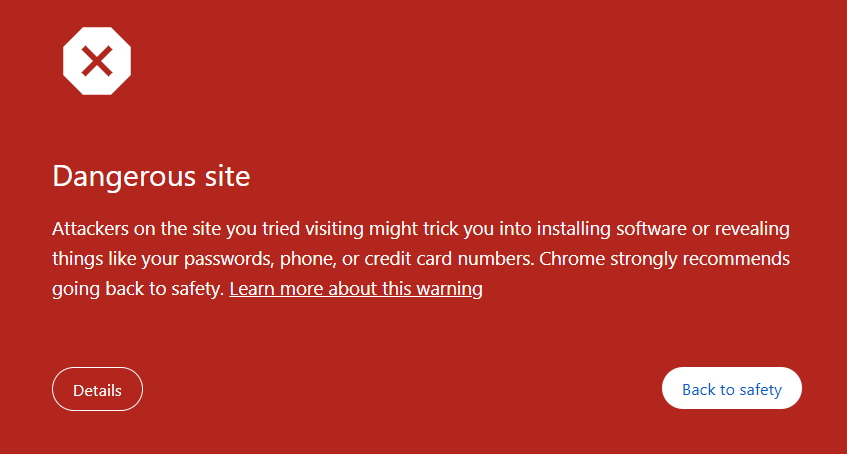
1. If you are getting the above message on your website, it means Chrome has detected something malicious in your...
1. Open the client area and click on view icon to find the details of the MariaDB.
1. Open the client area and click on view icon to find the details of the MariaDB.
1. You can log in to DV Hosting's client area.2. On the dashboard, click on the eye icon to see the details.
Note: This guide is only for installing your own SSL certificate; if you want to install SSL via the panel, please...
One short email when we publish something worth your time.