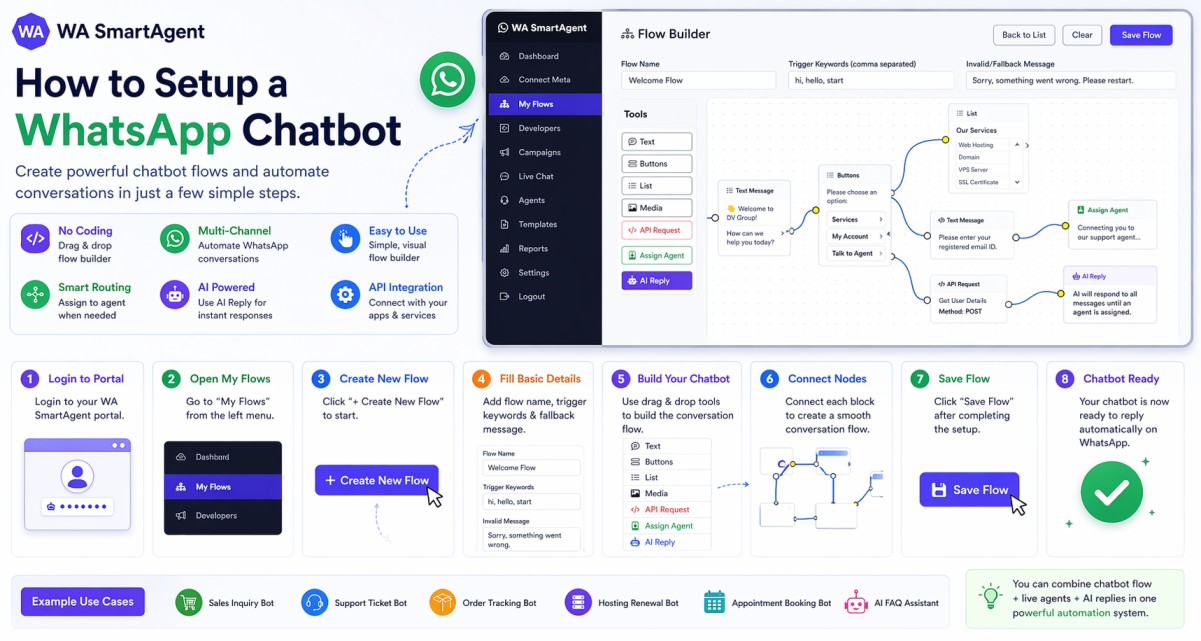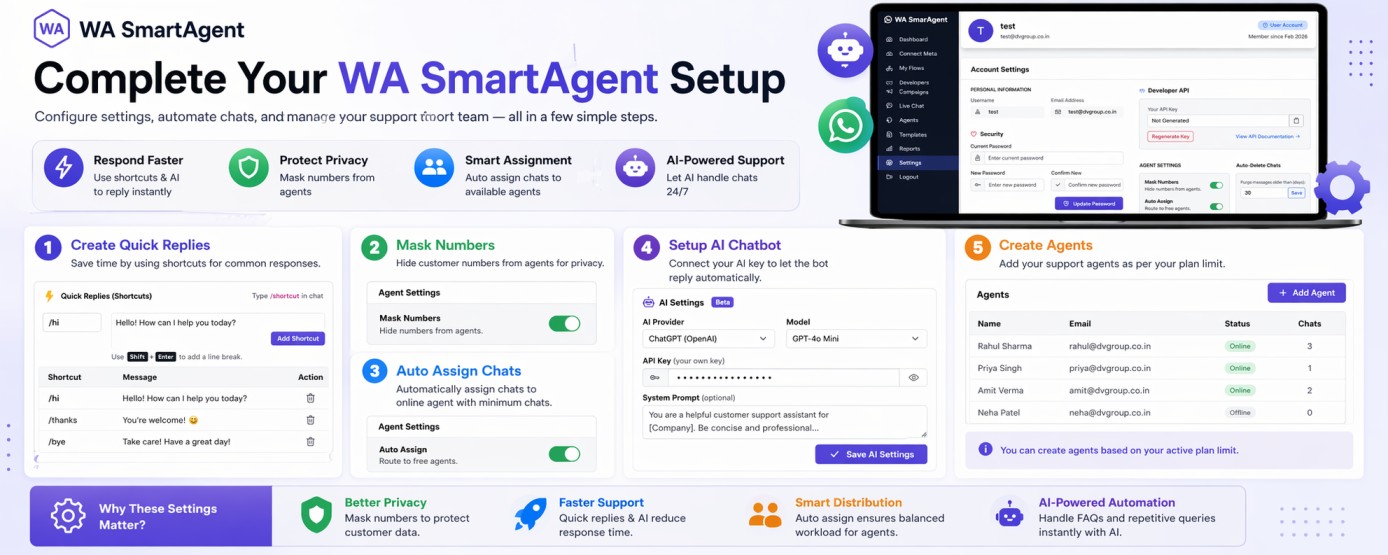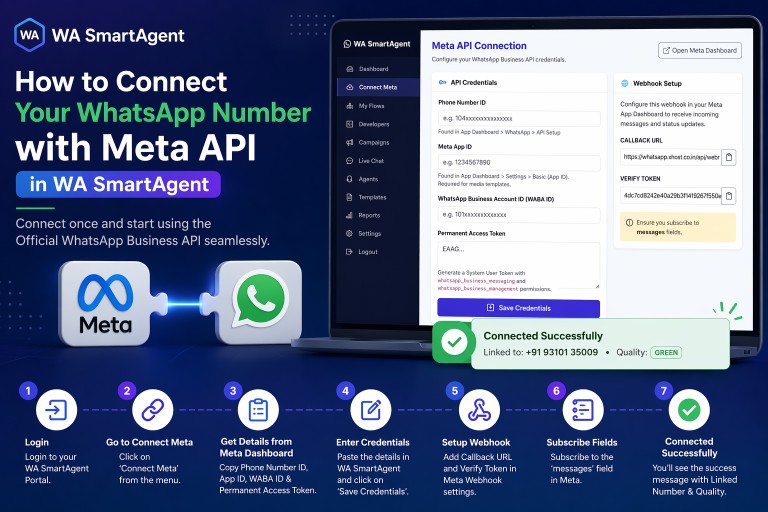
1. Login to your WA SmartAgent Portal using your account credentials.
2. From the left-side menu, click on Templates to manage all your WhatsApp templates.
3. Click on the + New Template button at the top right corner.
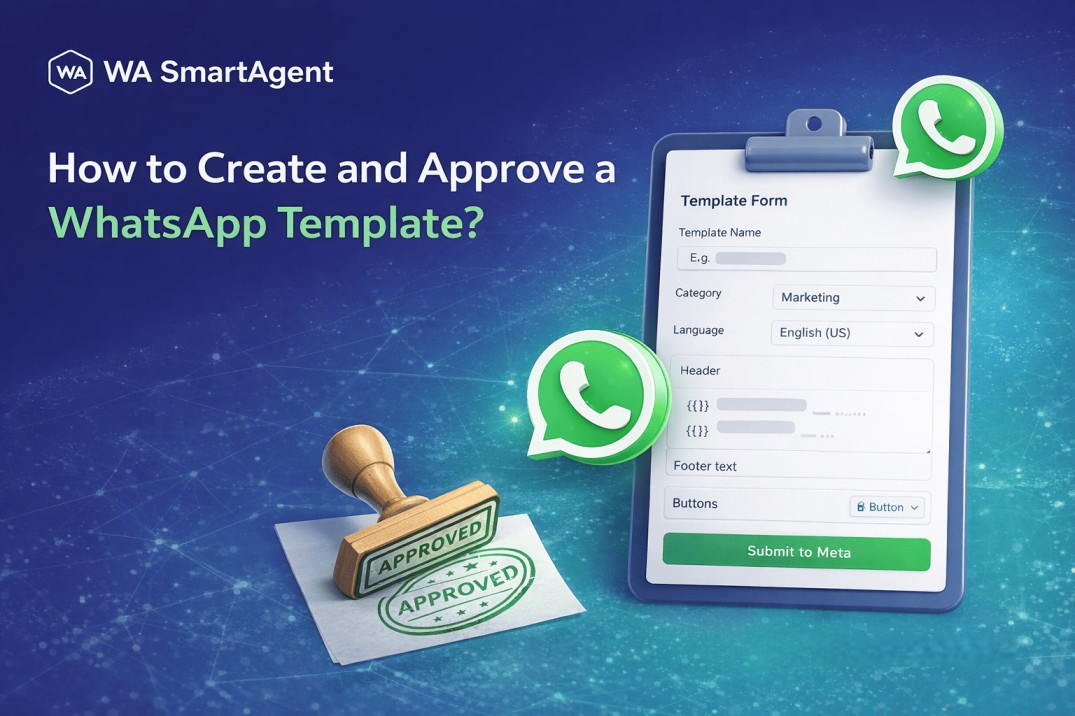
4. Fill the Template Form, complete the template details carefully:
a. Template Name – Use lowercase letters and underscores only.
b. Category – Select the correct category (Marketing, Utility, etc.).
c. Language – Choose the language for your message.
d. Header – Add header text/media if required (optional).
e. Body Text – Enter the main message content.
f. Variables – Use placeholders like {{1}}, {{2}} for dynamic values.
g. Footer – Add footer text if needed (optional).
h. Buttons – Add call-to-action or quick reply buttons (optional).
5. After filling all details, click on Submit to Meta for approval review.
6. After some time, click Sync from Meta to fetch the latest approval status.
7. Once approved, the template status will show Approved in the Templates list.
Important Note: Templates cannot be edited after submission through Meta. If you need changes, create a new template and submit it again.